
Your dive pro profile, on Buddy.
Validate your students’ and customers’ dive logs, link your dive shop, get tipped and show the gear you dive. Free for instructors, divemasters and photographers.


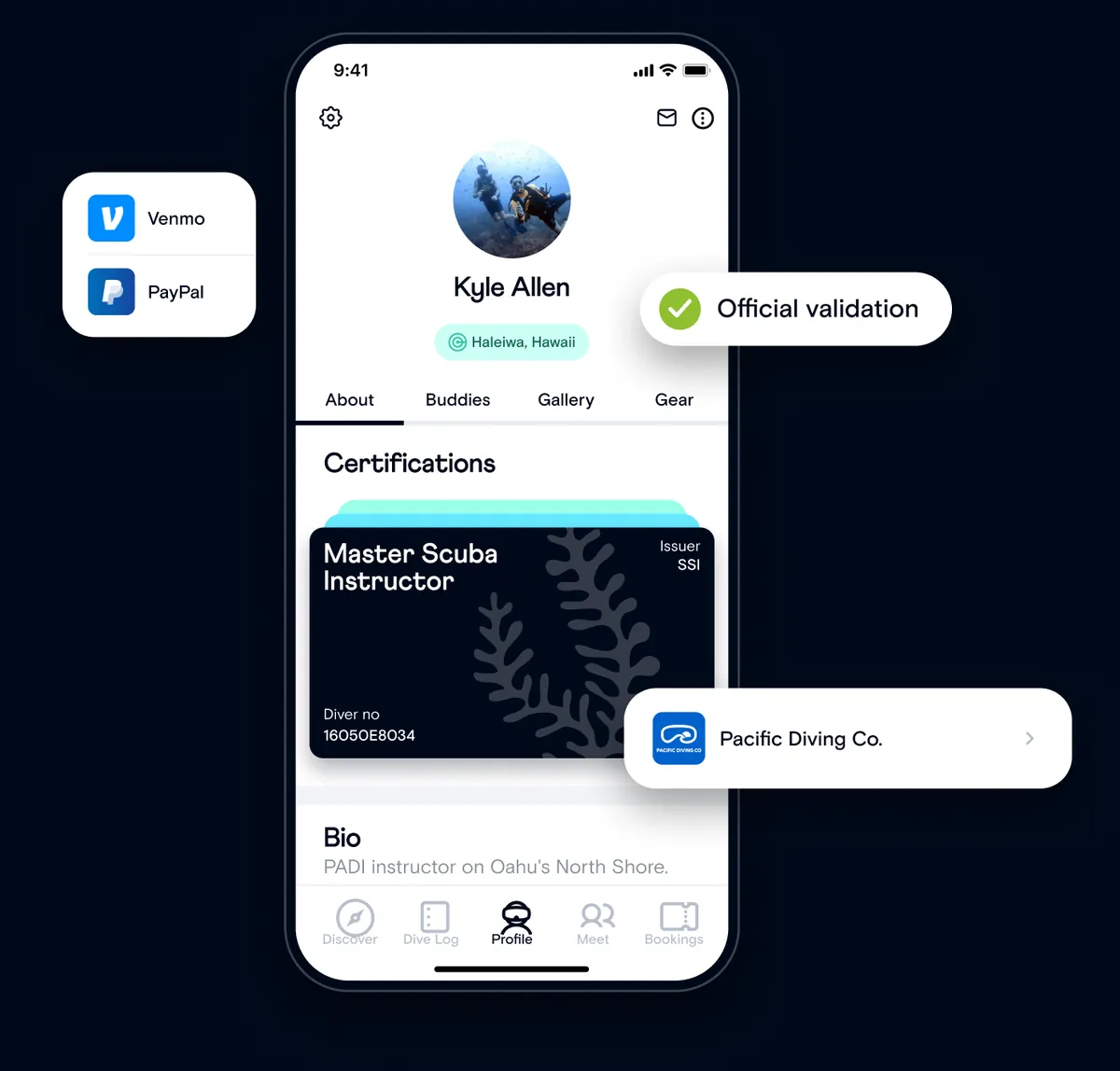

Your profile works for you.
Get tipped, get found and let every validated dive build your reputation.
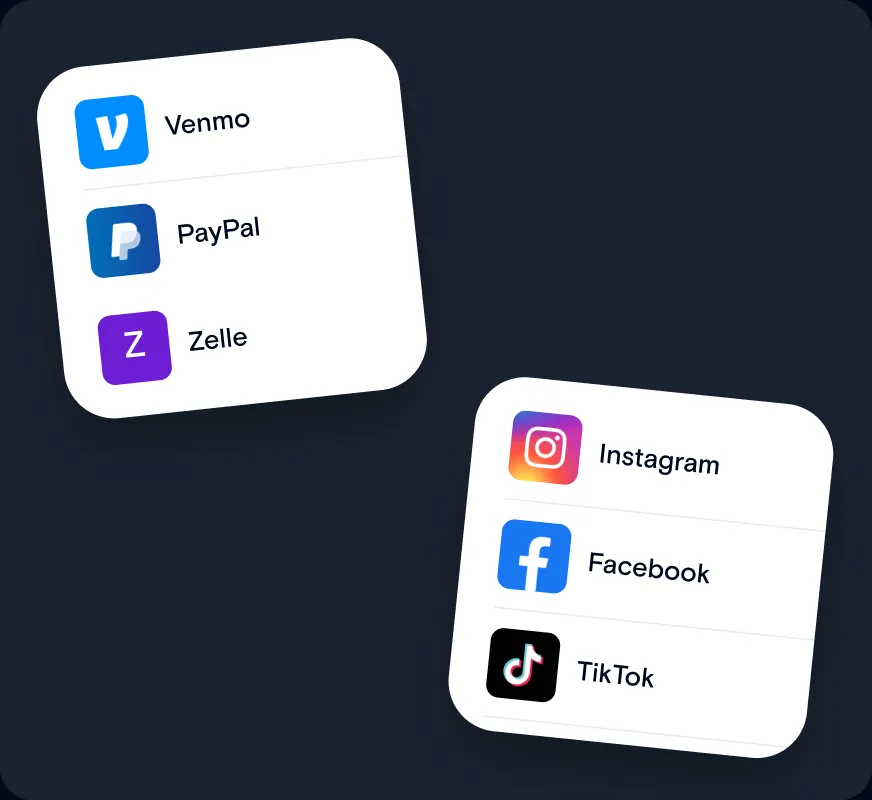
Get tipped and get found
Venmo, PayPal, Zelle or any other link for tips, plus Instagram, Facebook, TikTok and Snapchat.
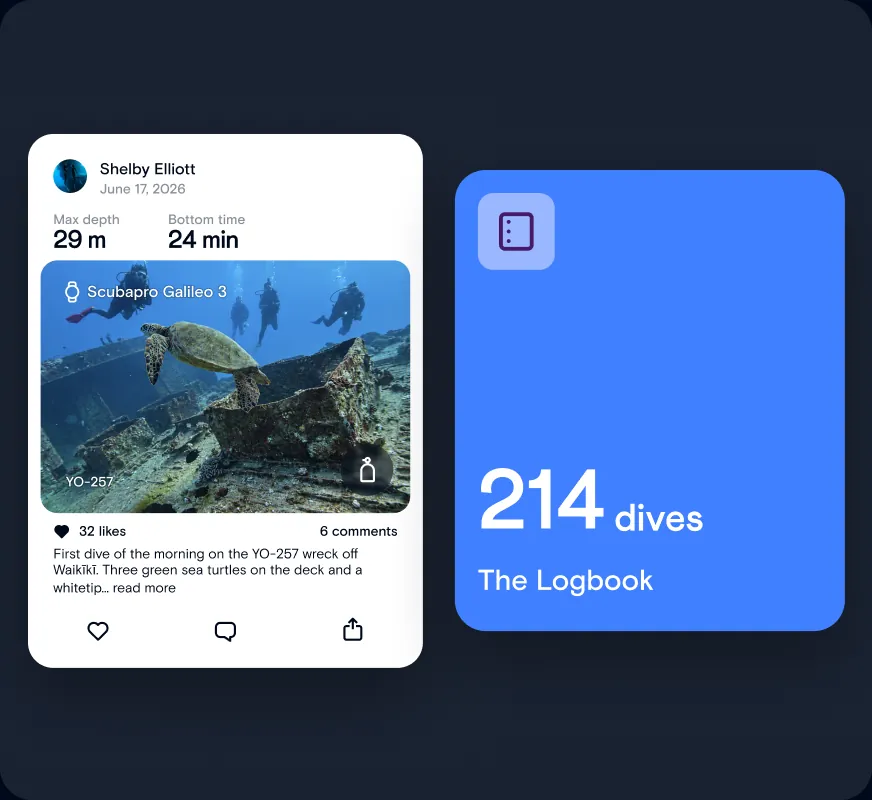
Build your dive resume
Your validated dive logs and stats on one profile you can share anywhere.

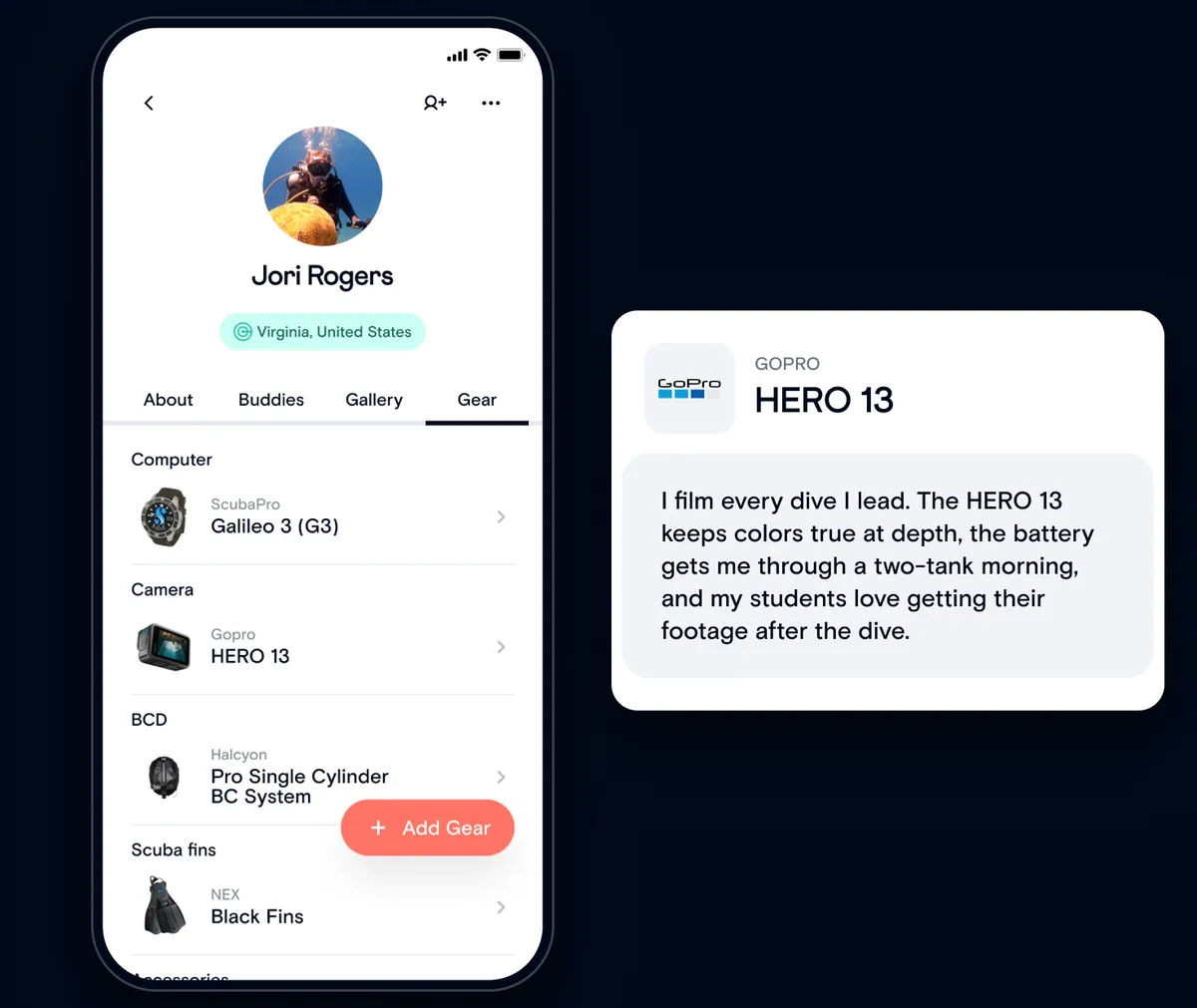
Show and review the gear you trust.
Divers ask you about gear all the time. Add what you dive with to your profile, rate and review it, and share your affiliate link or where you got it.

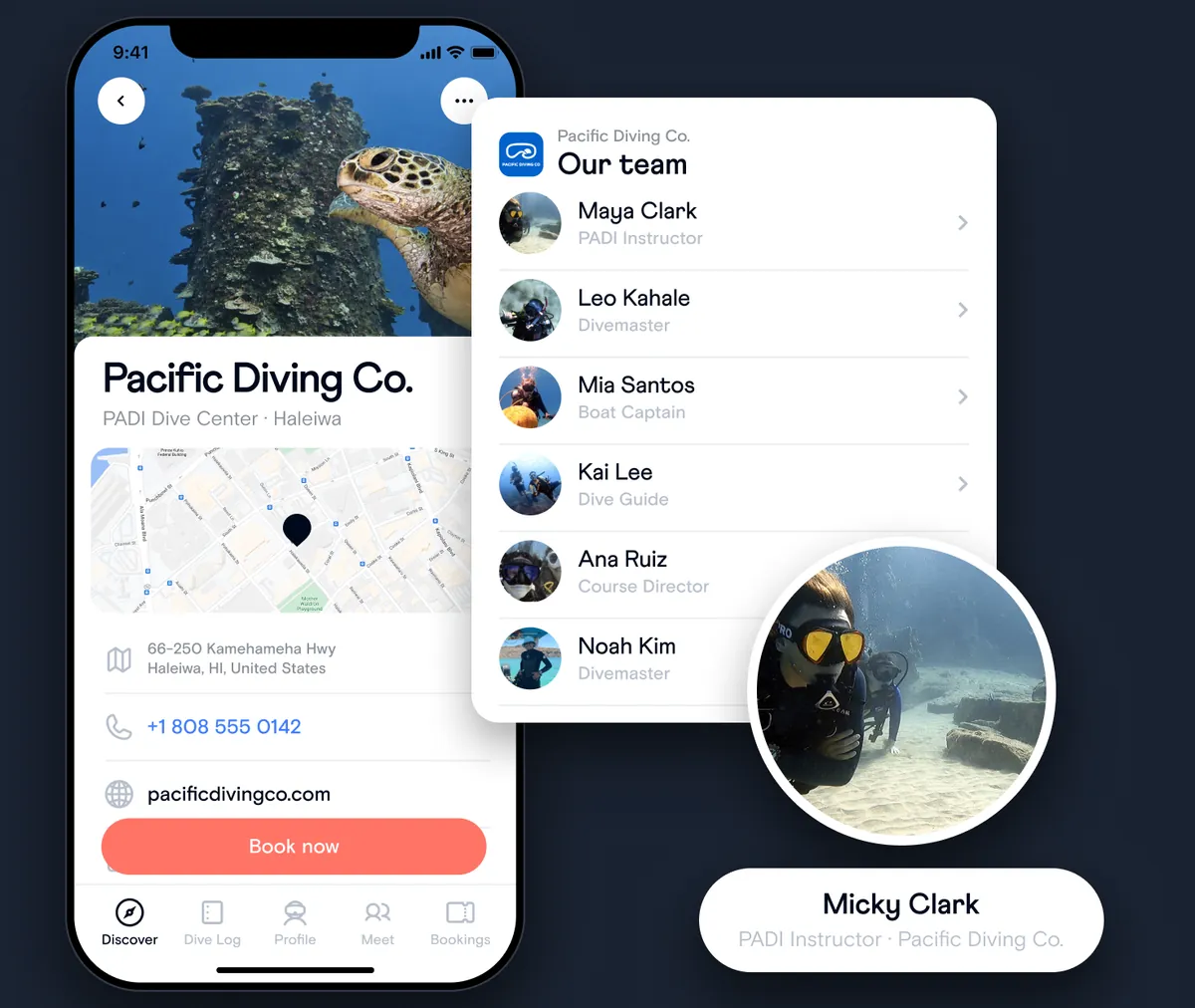
Connect your profile to your dive shop.
Pick your role at the shop you work at or own. Once they confirm you, the shop shows on your profile and the dives you lead are tagged to it.

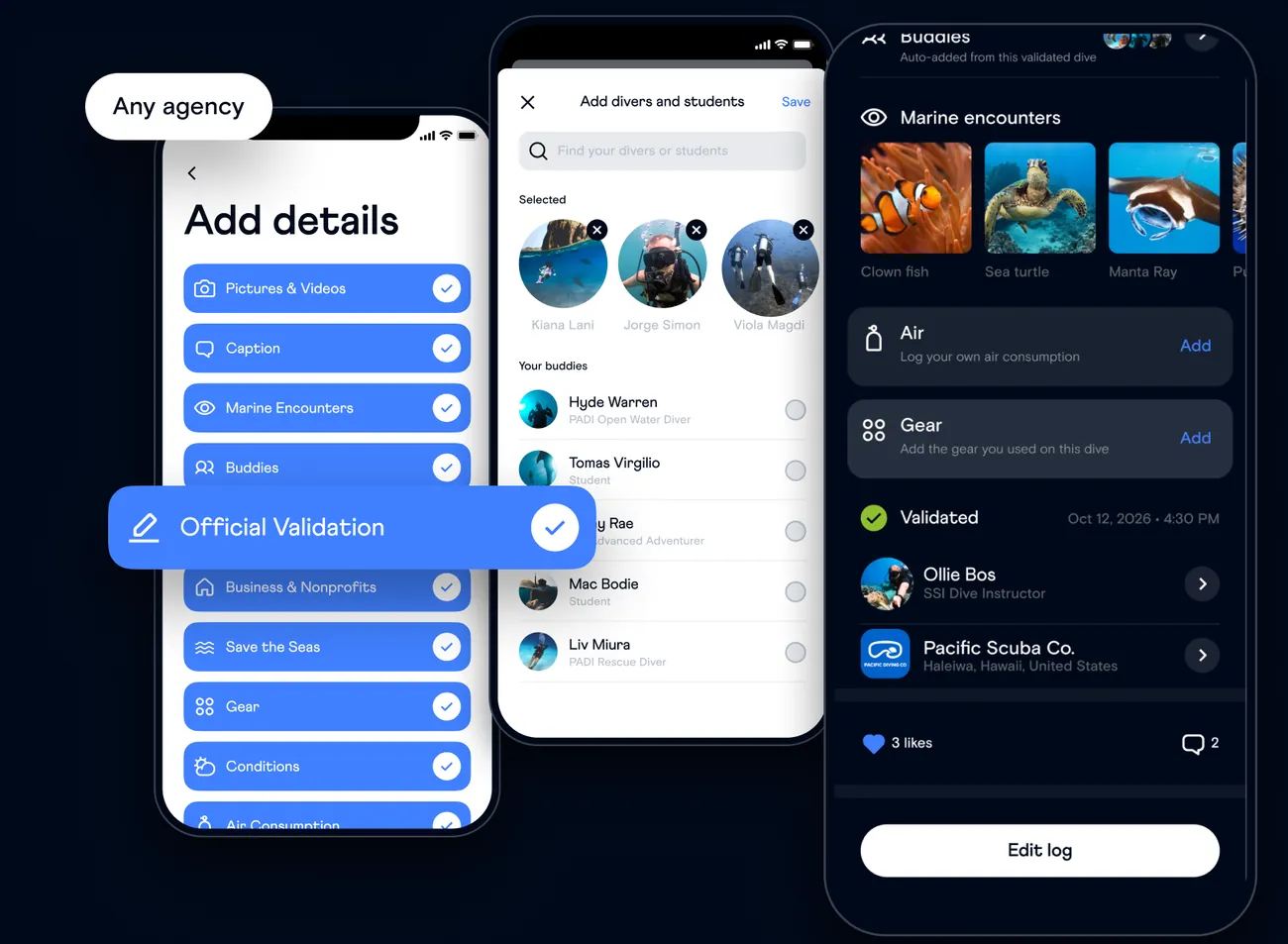
Validate every dive you lead.
Log the dive once and validate it for all your students and divers in one go, whatever their agency.
FAQ
Pro questions, answered.
How dive professionals use the Buddy app.
Is Buddy free for dive professionals?
Yes. Everything is free: your professional profile, official validation, tipping links, your dive shop and your gear.
How do I get a professional profile?
Choose Professional as your account type when you sign up. Already chose Recreational? Go to your profile, open Settings, then Account type, and switch to Professional. That turns on tipping, adding your dive shop and official validation.
Can my divers ask me to validate their dives?
Yes. When they log a dive, they request validation and select you. The request lands in your Inbox: tap Validate or Decline, or open the dive log first to check the details. Once validated, your profile shows on their dive log.
What do my students see?
They tap “Your dive was validated” to publish it to their dive log with the Verified badge. Date, time, depth, site and conditions stay as you set them, buddies are added automatically, and they can add their own photos, gear and air consumption.
How do I add my dive shop?
Go to your profile, open Settings, then Dive shop, search for the shop and pick your department: Instructor, Divemaster, Staff or Management. Your request stays pending until the shop confirms you. Shop not listed? They can register for Buddy for Business on our website to get a business profile.
How do I become the manager of my dive shop?
Buddy sets managers. When a shop signs up for Buddy for Business, tell us who the manager is, or contact us, and we’ll set it up. From then on, the manager approves the rest of the team.
How do tips work?
Open Settings, then Tipping, and paste your Venmo, PayPal, Zelle or other link. They show on your public profile and divers tap them to tip you directly. Tipping is for Professional accounts.
Still have questions? Our Help Center has step-by-step guides for everything in the app.
Visit the Help Center
There’s more in the Buddy app.
Keep exploring what you can do.
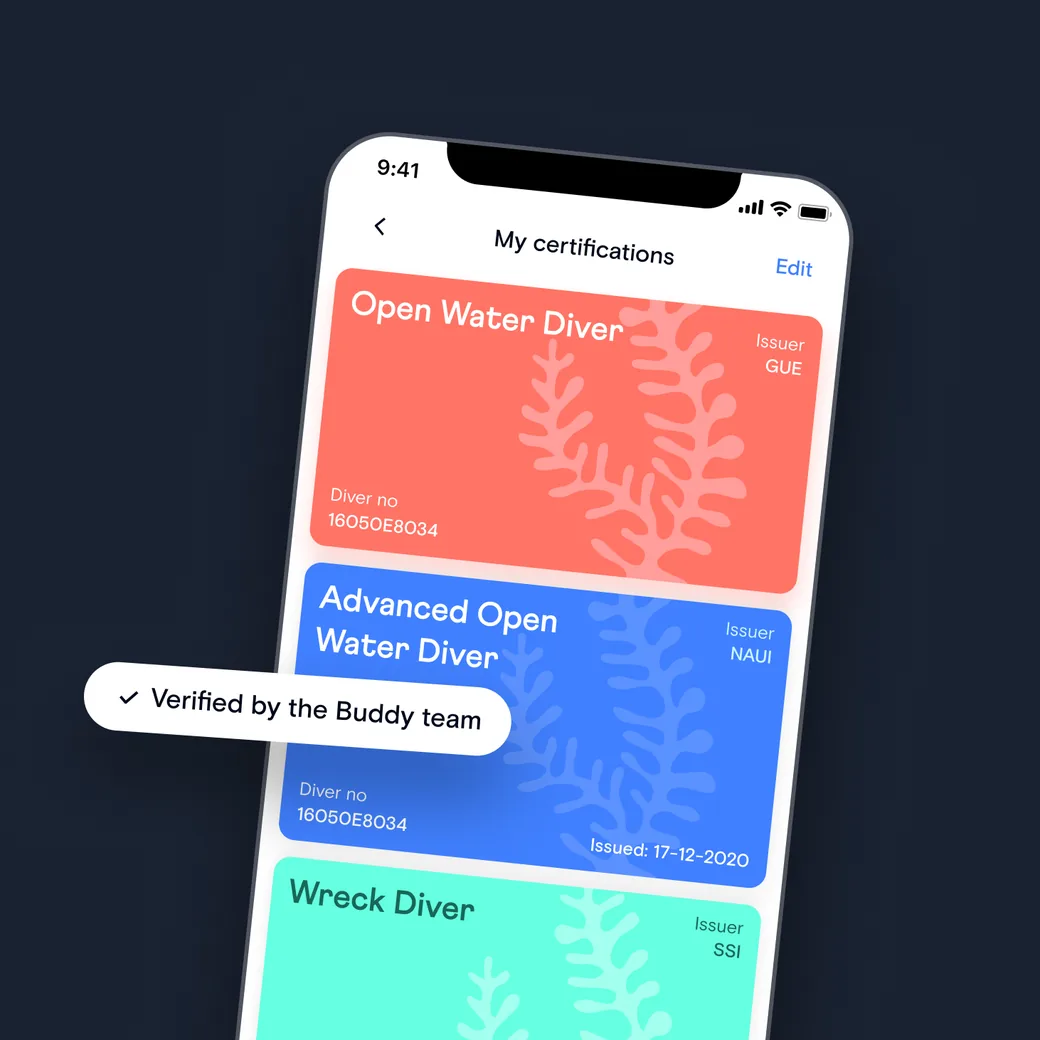
Certifications
Keep every dive card from any agency on your profile, verified and available offline.
Learn moreYour next dive starts in the Buddy app.
Search “Dive with Buddy” on the App Store or Google Play.